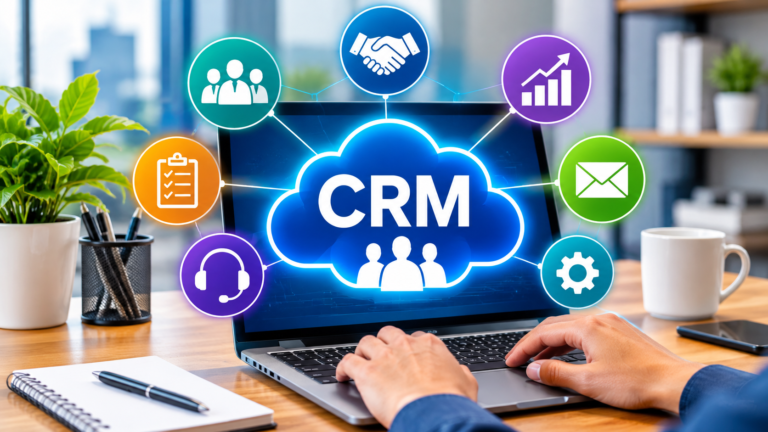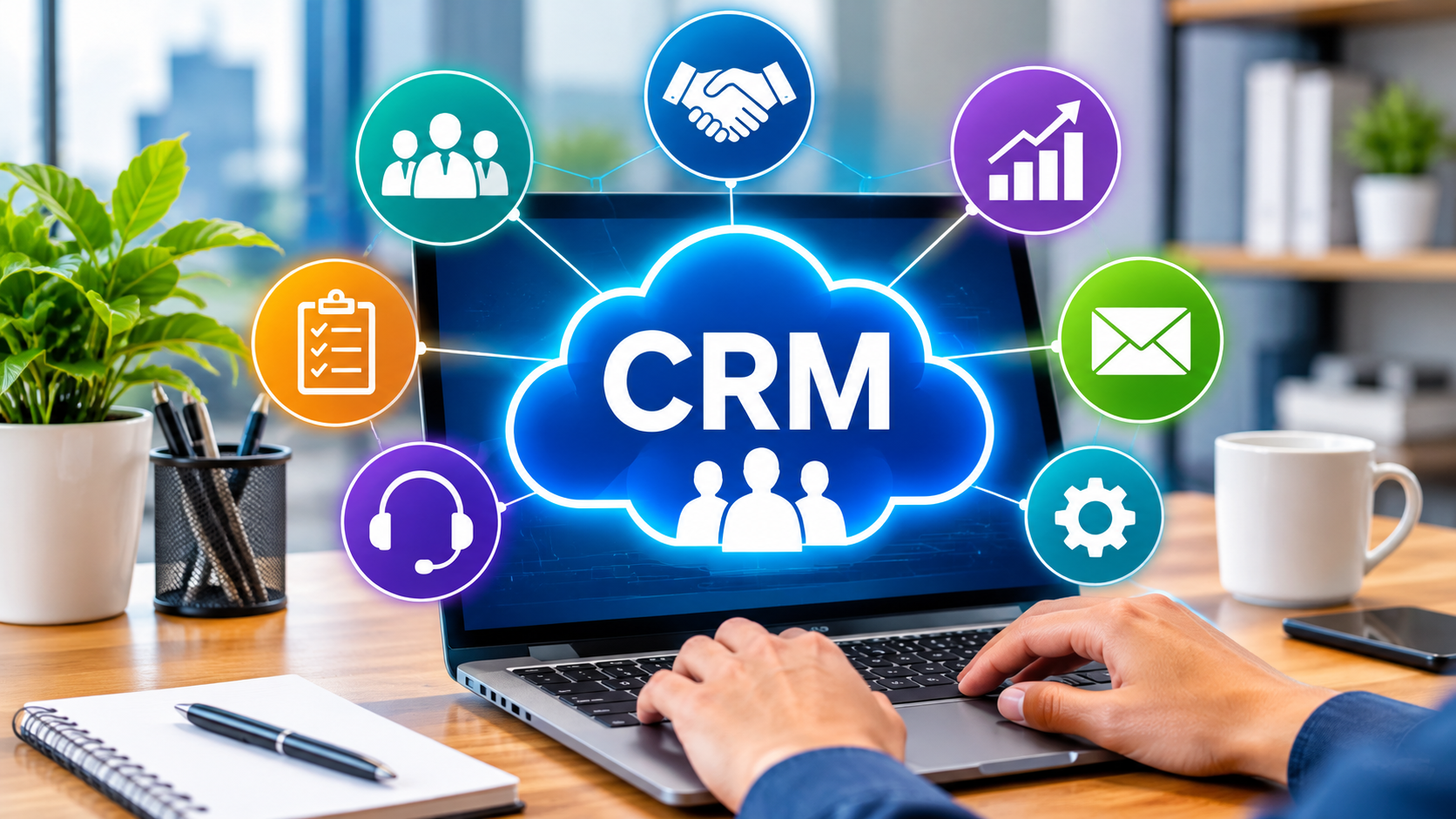
Customer relationship management (CRM) software can easily enable various department of a business to keep the latest information about their customers and prospects in sync. Powered by artificial intelligence (AI), the software used in the CRM system enables businesses to develop better relationships, streamline processes, boost productivity, and drive higher revenue.
What is CRM Software?
CRM software integrates information from various stages of the buyer’s cycle to enable businesses to provide a better customer experience and build connections. It’s a way to break down the silos that can happen between teams and to ensure everyone is operating from the same current information, including sales, marketing, customer service, commerce and beyond.
It’s a central hub for storing and organizing crucial customer data like contact information, interaction history, and communication preferences. It then transforms this information into a meaningful, single customer journey view, enabling you to create a customized customer experience that builds loyalty and boosts satisfaction.
CRM software has AI features, too
An AI CRM can automate tracking customer activity across departments and communication channels and organize the information in the CRM database. AI agents can assist employees by doing tasks independently, interpreting patterns, and recommending the next steps to take. They can access CRM software to better identify upselling and cross-selling opportunities, create custom service and marketing follow-ups and more.
With this information, your employees are always up to date on where customers are in the sales process and their pain points as well as how they are able to provide a great customer experience.
The Benefits of CRM Software
A CRM management software can help companies engage customers more, improve productivity, and tap data-driven growth. Let’s look at some of the many advantages of CRM software.
Contact management
It’s essential that everyone in the team has access to the most up-to-date information at each stage of the customer journey. From customer interactions to purchase history, meeting notes to past service problems, CRM software serves as one place for your business data.
Simplified collaboration
Every employee can access customer data, regardless of location, on any device with CRM software. Built-in integrations, like with the work operating system Slack, make it easy for teammates to share information, collaborate on files, and direct AI agents to take action within the flow of in places where they’re already doing work.
Easy to get started
You won’t have to invest in hardware, servers, or extra security with a cloud-based CRM. You also won’t have to recruit additional IT personnel for installation and maintenance as it’s handled by a CRM provider remotely. Easy and it allows businesses to continue to focus on teams that generate customer connections and revenue.
Scale as you grow
Another advantage of CRM software is that it is able to grow easily. You may begin with minimal features and users and add to it as necessary. Being fully online and rolling updates, there is no need to put equipment and platforms out of service to install fixes and features. The cloud-based CRM software will scale with your business so you don’t need to look for a new solution every couple of years.
Data for reporting, analytics, and forecasting
Having a customized dashboard on your CRM software enables you to easily monitor your business performance, understand its future, and make predictions. AI-powered CRM analytics and CRM Reporting provide predictive analytics to predict sales trends, at-risk customers, and next actions.
What is the Role of AI in CRM Software?
Across industries, AI in CRM is becoming the standard and offers businesses real-time data and insights to enhance customer relationships throughout the journey. Agentic AI systems, such as Agentforce, can process vast amounts of data, uncover patterns, and pave the way for more personalized customer interactions across various departments. Generative AI can enhance productivity by generating new content, such as an email for a sales person, a marketing email, a customer service response, and even a new storefront, using the customer data stored in your CRM.
Lead scoring
AI CRM can analyze customer and prospect data and make recommendations to sales teams on which leads to pursue. Sales AI can recognise trends like which prospects and sales cycles are comparable to those that turned into paying customers in the past. The software can then recommend the tactics that will be most successful. This is a way to prioritize where the company should put its effort into, which will boost productivity and revenue.
Automation workflows
Autonomous agents enable repetitive tasks like data entry, lead generation, and customer service request routing, which are all handled by AI Automation. Doing more than just robotic process automation (RPA) and applying reinforcement learning to continuously increase productivity and efficiency, enabling humans to work on more strategic tasks.
24/7 customer support
AI chatbots that provide automated customer support are always available, and speed up the time it takes for customer inquiries to be handled. The always-on availability of AI can write up call notes for service representatives and send up follow-up messages with information to customers.
Customer service AI embedded within your CRM makes it possible to have always-available support for 24/7 customer inquiries and self-service. They can automatically summarize calls, follow up with customers, and alert human reps when needed, keeping customers well-served while keeping service quality intact 24/7.
Personalized experiences
AI can process a huge amount of customer data and user behaviour to offer highly tailored suggestions and offers for product. These learnings help to boost engagement and sales, and can be applied proactively on a customer similar to the one that has seen the learning. These insights are leveraged in marketing AI and commerce AI to build personalized experiences that boost customer interaction and sales and help uncover service problems or cross-selling opportunities.
More natural interactions
Conversational AI and natural language processing (NLP) enable intelligent and easy CRM interactions. They enable employees to ask questions in everyday language and navigate through information that is so difficult it would take many hours to sort through. They can help them create marketing campaigns or provide customized information about their customers.
Cloud-based CRM Software Explained
CRM software is able to store huge volumes of information, organize and analyze it. In the early days of CRM, these were on-premise at the companies that used them. Technology advanced and many of the web applications we used to work with – and live with outside of the workplace – migrated to the cloud. Today, there are available traditional on-premise CRMs, but cloud CRM offers several benefits.
Cloud-based CRM is Easy to Use
Cloud-based CRM software is a software as a service (SaaS), or way to deliver applications over the internet instead of locally on individual devices. The CRM provider manages everything remotely, including all the infrastructure, to host and run the system, thus eliminating the initial investment and duties to update or secure the system.
Any user of the CRM system can access customer or marketing information at any time, from any device, whether it’s a desktop, laptop, smartphone or tablet.
Cloud CRM vs. On-Premise CRM
Cloud-based CRMs are quite different from on-premise CRMs. In the on-premise CRM model, a business hosts and operates servers and networks in physical locations, which house their customer database. This is frequently the choice as companies are running legacy systems that have been in place for decades. The other reason may be that they function in areas where they don’t have an internet connection or the connection is weak. Going with the cloud CRM comes with several benefits:
- Costs: On-premise CRM also has high upfront expenses for installation. They are developed on-site, often from the ground-up, instead of leveraging existing CRM systems.
- Accessibility: Sometimes an on-premise system must be taken offline by internal IT staff or by an outside team to make an update, resulting in an increase in lost time and lost productivity. There is no downtime for Cloud-based CRM to update.
- AI readiness: Cloud-based systems are more AI ready. They have access to powerful machine-learning systems and to real-time data processing which would be too expensive to have on-premises.
How to Avoid CRM Software Implementation Challenges
There are a lot of advantages of using a CRM, but you’ll need to plan to ensure you don’t encounter problems during CRM implementation. Many of these problems stem from legacy, on-premise systems. Cloud-based CRMs have been developed to address these issues and put you on the path to success.
Complexity
A locally installed CRM can be more challenging to implement because there are a lot more steps to customizing those systems. Also, single threaded CRM systems that can only execute one action at a time, slow down processes and integration with other tools.
Cloud-based CRMs can be customized to add features, and scaled up and down with changing business needs.
Integration
An average company employs 900 apps, but most are unable to communicate with one another. Integrating it with other third-party applications, such as accounting software, marketing tools, customer service, and ecommerce applications can sometimes be difficult to achieve a complete view of the customer when the CRM doesn’t have access. The integration of these systems involved can be complex, time-consuming and technical knowledge is required.
Solution: Choose an AI-powered CRM that is already built to automatically overcome CRM integration and implementation challenges around connecting data from multiple sources. Additionally, ensure that it is accompanied by support that can assist you throughout the process.
Training
Some of the software for CRM (customer relationship management) systems can be complicated to use, and the training necessary to use the system may be costly and time consuming. While not an exhaustive list, difficult-to-use CRMs can have the opposite effect than what they are intended to accomplish: make work easier and more collaborative!
Solution: Select a CRM that offers you support level choices including on-line help facilities, phone help, and support groups. For example, Salesforce’s Trailhead can be a proactive training program that allows users to learn at their own speed and develop new skills.
Security
Businesses are responsible for numerous confidential customer information, making them easy targets for cyber attacks. In the realm of CRM security, AI can be instrumental, providing capabilities that can analyze user behavior, identify any unusual access attempts, and automatically take necessary protective measures. Companies have a legal obligation — and moral one — to ensure that the customer data is not accessed by others illegally.
Solution: Demand security features such as encryption, access controls, and firewalls as features built-in. Your CRM partner should always be taking measures to safeguard their systems from the newest threats.
Choosing the appropriate CRM software for the business.
When picking which CRM will suit your business, you need to take a number of things into account. While every business is unique, Salesforce provides CRM software solutions that can adapt to the needs of any business, regardless of their size, industry or requirements.
Think about how big your business is and how it will grow.Think of the size that your business is now and how it will grow in the future.
When selecting the CRM software options, consider that you have to work with a great deal of employees, customers and data, and the complexity of your customer interactions, the number of inquiries and requests you receive. Then consider the level of personalization you want to provide. Choose a CRM that matches your requirements right now and one that will support your expansion as well, or kick off with a CRM for small business.
Plan for Future Expansion and Adaptability
Consider also options that can adapt to technological changes and advances, particularly in AI and automation, and to a CRM that will grow with your business. As AI continues to transform CRM, it’s crucial for your platform to have strong AI features to ensure your investment is future-proof. Find CRM software that will work with other programs and applications you use every day.
Obtain features which meet your business requirements and processes
Then, list existing pain points and/or problems you experience when dealing with customers and their interactions. Identify the areas of frustrations and the CRM features & functionality that can help relieve those frustrations and put them on the list of requirements.
Factor in Overall Ricing and Customer Support Costs
Of course, budget is a factor when it comes to CRM. Include any and all expenses, including subscription plans, adding users, and extra features. Analyze CRM pricing plans and determine how much you need to invest. Customer support costs are a crucial part to take into account as well, as numerous CRMs have various customer support levels. That’s because more investments at the beginning might lead to better setup, educated workers, and a continued thriving.
Choosing the Right CRM for Your Company
While the search for CRM software might take some time, all these factors can be taken into account from the outset to make a correct choice for your business. Today’s AI-driven CRM platforms provide unparalleled ways to automate workflows, forecast customer needs, and deliver customised customer experiences on a large scale.Modern AI-powered CRM systems have the potential to automate tasks, predict customer needs, and provide personalised customer experiences at scale like never before. With the right CRM software, you can build strong customer relationships, find new prospects, enhance customer service, increase sales, scale marketing initiatives and grow your business for the future.
FAQ
What is CRM Software?
CRM (Customer Relationship Management) software is a technology solution that enables businesses to handle and analyze interactions and data across the customer lifecycle. It supports companies of all sizes to enhance relationships with their customers, help with customer retention and promote sales growth.
How does CRM software improve business operations?
CRM software streamlines operations by centralizing customer data, automating tasks, and providing insights into customer behavior. This enables enterprises to boost the efficiency in Sales, Marketing, Commerce and Customer Service as well as make better decisions, which can lead to better customer satisfaction.
Why do businesses need CRM when they already have AI?
AI models can be very effective and yet do not know a company’s customers, business rules, or permissions. CRM can plug those missing pieces with trusted customer information, workflows that capture the way business is conducted, and governance (permissions, guardrails, and auditing) that govern and track the access and activity of agents. AI is not a replacement for CRM; it is the key to the reliability, accountability and usefulness of AI in enterprise use cases.
What are the key characteristics of good CRM software?
A lot of CRM capabilities can assist your business in its expansion. These are the features that involve contact management, lead tracking, sales automation, marketing campaign management, customer service and support, analytics, and reporting features. You can also take advantage of CRM integration options, allowing you to connect your data to other applications and sources, so you have a single source of truth for each customer.
What is the difference between cloud-based and on-premise CRM software?
Cloud CRM software eliminates the need for any physical infrastructure and can be accessed over the Internet, making it more flexible and cost-effective in terms of initial investment. On-premise CRM software is installed and maintained on a company’s own servers, offering greater control but with the need for in-house IT resources.
What are the different types of CRM?
The three types of CRMs are operational, analytical and collaborative. Operational works well to facilitate customer outreach and interactions. Analytical CRMs record and process information to gain insights into customer behavior. CRM is all about improved communication within the partners, suppliers and employees circles for the betterment of customers.