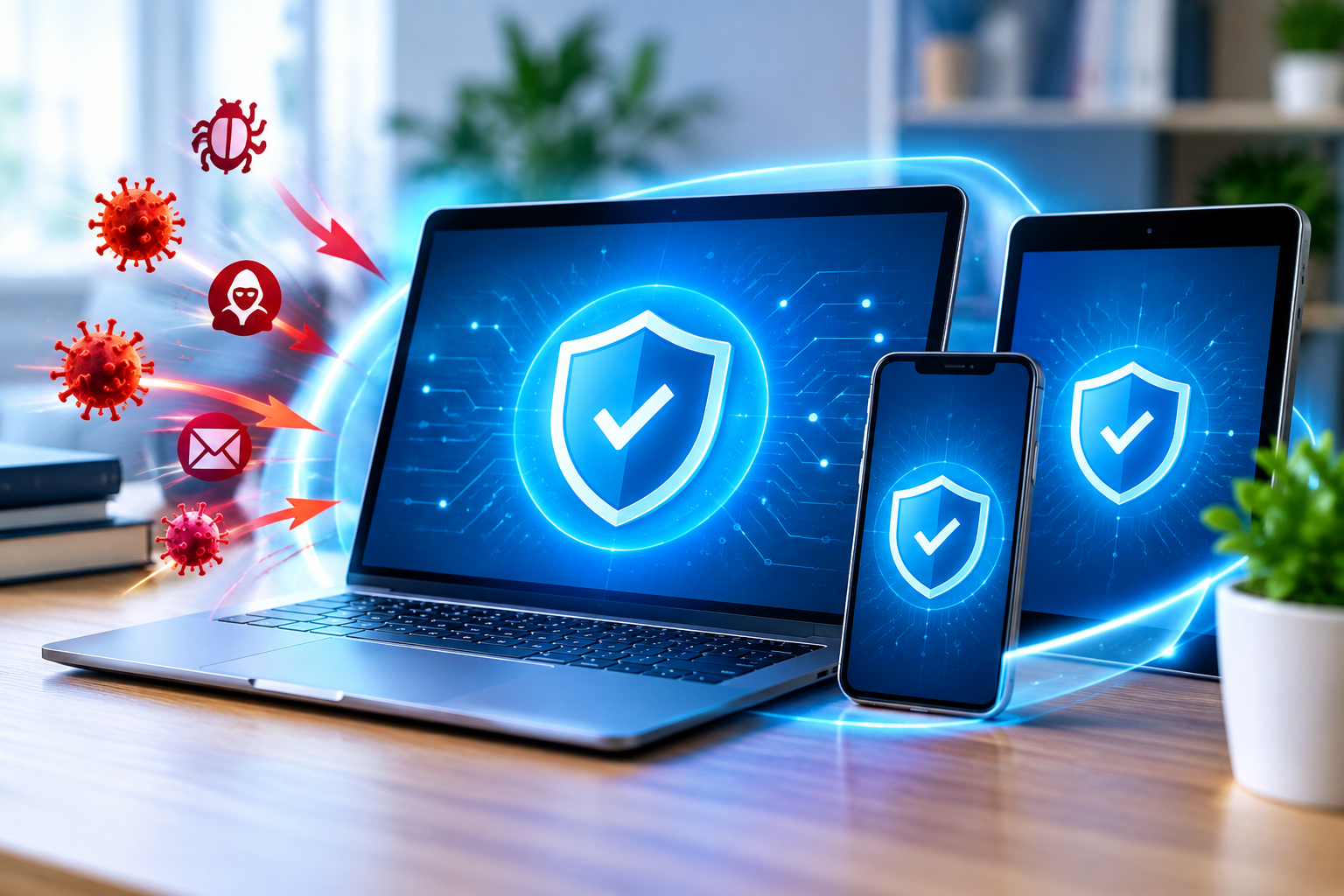
Digital technology has revolutionised work, communication, shopping and personal information management. But it has also brought opportunities for cybercriminals to exploit computers, smartphones and business networks to the Internet. Sensitive information may be compromised and activities disrupted by malware infection, ransomware, spyware and malicious downloads.
That is why antivirus software will continue to be a crucial component of cybersecurity in 2026. It helps detect malicious programs, block suspicious files, and protect devices against various digital threats. Today’s security solutions combine various detection techniques, such as behavioral analysis, cloud-based intelligence, and machine learning, to detect potentially malicious activity.
By educating themselves on how to use antivirus software, its features, and its importance, individuals and businesses can make informed decisions to ensure their digital security.
What is Antivirus Software?
Antivirus software is a type of computer security program used to detect, prevent, quarantine and remove malicious software, also called malware. While computer viruses used to be the main threat of traditional AV tools, today they are much more applicable to other types of threats.
These threats can be:
- Viruses: These are programs that attach themselves to files or applications that may cause harm.
- Trojans: These are programs that appear to be legitimate programs but can carry out malicious activity.
- Ransomware: Malicious software that encrypts files and/or renders data inaccessible until a ransom is paid.
- Spyware: Software that is designed to gather information without permission.
- An executable program: A program that is capable of spreading between systems and/or networks.
- Malicious Downloads: These are files that are downloaded with malicious (harmful) code or unwanted programs.
Antivirus software can be used to monitor files and system activity to minimise the risk of infection and protect key information.
How Does Antivirus Software Work?
Contemporary antivirus shields incorporate a mix of strategies for identifying dubious documents and activities.
1. Signature-Based Detection
Signature-based detection is a technique that involves matching files with a database of known patterns. If a file corresponds to a known threat, the anti-virus can block, quarantine or delete it.
This is a useful technique for the detection of known malware. But it might not know about new threats until it receives detection data that it can use.
2. Behavioral Analysis
Behavioral analysis is the study of the behavior that takes place during the operation of applications. If, for instance, a program suddenly tries to change a large number of files or does any other unusual activity, then it could alert the computer to a security reason.
This way, the AV software can detect potentially harmful actions, such as those from unknown malware.
3. AI and Machine Learning
AI and machine learning can detect patterns that relate to malicious files and abnormal activity within security systems.
These technologies help to make the analysis quicker and can help in detecting emerging threats. However, AI-driven detection isn’t foolproof and some suspicious files might need to be examined.
4. Real-Time Protection
Real-time protection continually monitors all the relevant files, downloads, and application activity as users interact with their devices.
This can help keep malicious programs from running before they can cause significant damage. Users should set the real-time protection to always be on and install security updates periodically.
Key Features to Look for in Antivirus Software in 2026
It’s not just about comparing subscription costs, there’s more to finding the right security solution. Here are some of the features they could check when searching for software that suits them.
Protection from Malware and Ransomware
A good antivirus software ought to be able to identify the usual malware hazards and offer suitable protection against strange file activity. Some products even have extra ransomware protection.
Web and Phishing Protection
Phishing attacks rely on fake sites and websites, messages and fake logon pages that trick people into disclosing private information. Web protection can alert users of known malicious Web sites and suspicious downloads.
But, users should still check the URL of the site and not enter their personal information on websites they don’t know.
Automatic Security Updates
Cyber threats evolve rapidly – new detection information is crucial. Automatic updates enable the anti-virus software to keep up with new threats without the user having to download all of the updates.
Firewall and Network Security
Some security suite products have firewall controls or extra network protection. These characteristics may be useful to track network communications and to prevent unauthorized communications.
Before buying a security suite, users need to be aware of the built-in security features they are already using.
Low System Resource Usage
Anti-virus software need not make life difficult for a device. Think about how it will affect startup time, battery life, application performance and system resources.
Using anti-virus software has advantages. There are advantages to using anti-virus software.
Protecting Personal Information
Personal devices may include financial information, saved passwords, documents, and photographs. Anti-virus protection can limit the access of malware or compromise to these resources.
Business Security Risks Reduction
Computers, emails and digital files are crucial to a business. Malware infiltrations can derail operations and compromise sensitive data.
Endpoint protection intended for business can enable organizations to view the threats moving across a number of devices and act on suspicious activity.
Safer Downloads and Browsing
Users download documents, applications and other files from the Internet regularly. There are a lot of malicious downloads that can be detected by security scanning before they run.
When used in conjunction with good browsing habits, this curtails exposure to common online dangers.
Ensuring privacy and device security
Some malware gathers personal data, alters system settings or uses up device resources. Identification and elimination of these programs can lead to improved security and normal device behavior.
While antivirus software doesn’t offer absolute security, it certainly offers a good degree of security.
Will Free Antivirus Software suffice in 2026?
For those who are looking for fundamental protection from malware, free antivirus software may be a sensible option. Security tools, like Microsoft Defender Antivirus for Windows, are packaged with many operating systems.
If users have simple security requirements, it may be helpful to ensure that the built-in protection is turned on and kept up to date.
A paid security suite could provide more functionality, such as advanced parental control, identity surveillance, more coverage of devices, extra web protection, or even privacy tools as an add-on package. These features vary depending on product and subscription.
Research customer support, independent security software test results, supported devices, antivirus renewal prices, privacy policy, and various other factors before buying antivirus software. Do not install more than one real-time anti-virus solution without checking compatibility, as they might interfere with each other.
Best Practices for Better Digital Security
- Anti-virus programs are most effective when used in conjunction with safe Internet usage.
- Ensure the operating system, web browser and software are up to date.
- Allow automatic anti-virus updates and real-time protection.
- Download apps from official websites or trusted app stores.
- Don’t open strange attachments, click on links in unsolicited e-mails, or download anything from people you don’t know.
- Create strong, unique passwords and consider multifactor authentication.
- Regularly back up critical data to a safe place.
- If you think you’ve got a problem, perform a complete system scan.
- Check on account activity and investigate unusual security alerts.
The practices contribute to developing a more robust personal and professional cyber security approach.
The Future of Antivirus Software
As the threats evolve, so do the technologies of the anti-virus. AI-powered detection, threat intelligence in the cloud, automated responses, and behavior monitoring are becoming a critical component of today’s security solution.
New developments are likely to be more advanced in detecting suspicious activity earlier, decreasing the number of false alarms, and better protecting connected devices.
But technology doesn’t solve all the risks. The human element, regular updates, secured account options, and solid backup protocols will continue to be vital elements to a successful cybersecurity.
Conclusion
In 2026, antivirus software remains a crucial asset for safeguarding computers, smartphones, and business systems. It can detect malicious files, alert to suspicious activity, and offer live protection to minimise users’ exposure to prevalent cyber threats.
The best antivirus software is that which is affordable, has the right features and protection for your devices and security needs, and is updated regularly. With a built-in security feature or a standalone solution, you can take steps to create a more robust defense against current cyber threats by using safe browsing habits, regularly backing up your data, and using antivirus protection.